

- September 7, 2026
What Are Negative Keywords in Google Ads? A Simple 2026 Guide
Share with Friends :

Table of Contents
Negative keywords are one of the most overlooked features in Google Ads and skipping them quietly drains your budget. For those who aren’t sure what negative keywords mean, negative keywords tell Google which searches should never trigger your ad. Hence, you won’t end up paying for traffic that wouldn’t have converted in any case. Even though the fix is simple, most marketers only catch the problem after they’ve already wasted their budget.
At Digi Uprise, we help businesses block this loophole, and this post explains exactly how.
How Negative Keywords in Google Ads Work
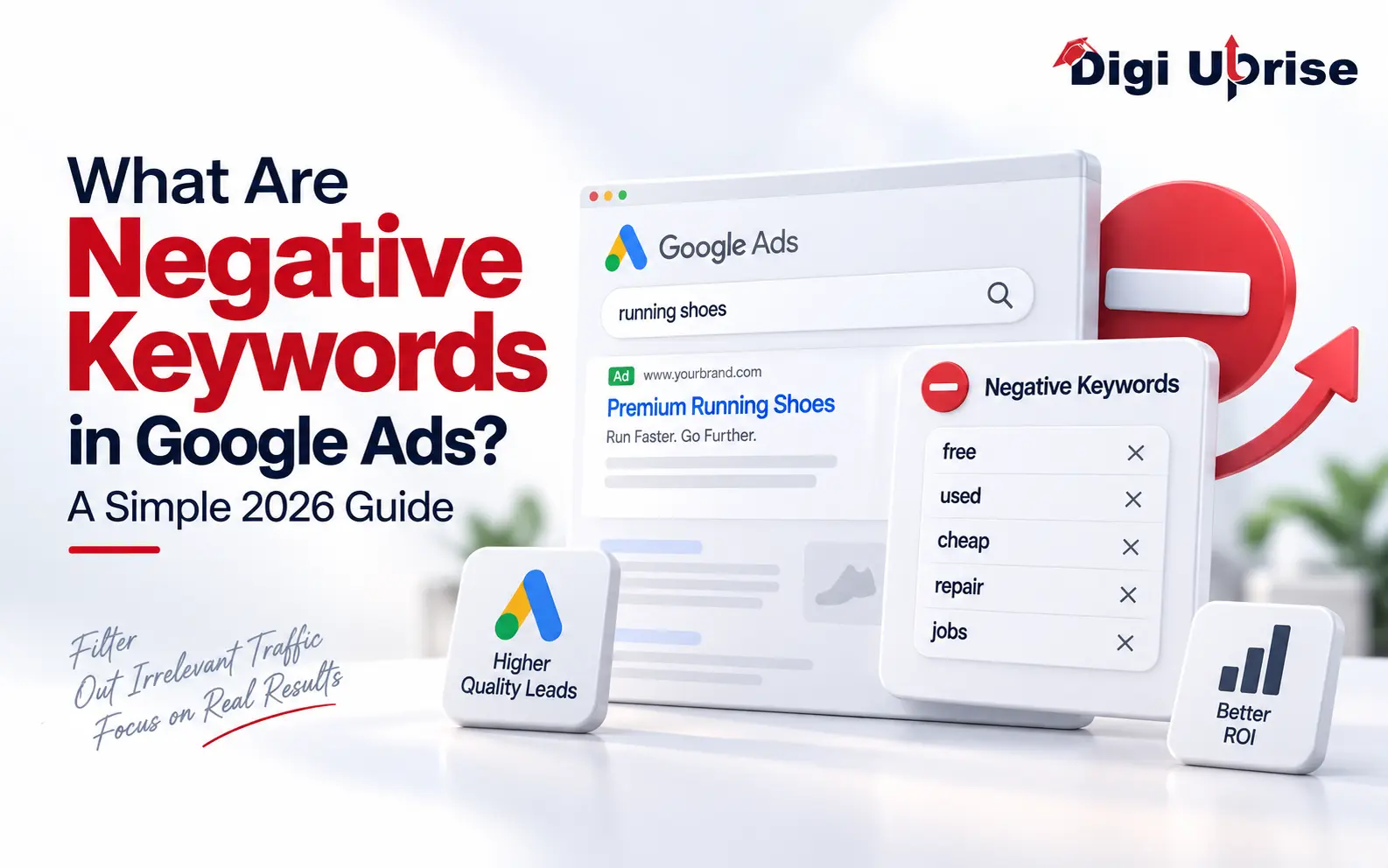
In Google Ads, negative keywords are keywords that you instruct the system not to match against any of the user queries. Rather than wasting money on displaying your ads on all kinds of vaguely relevant searches, you set boundaries to only include the traffic that you really wish to target.
In other words, it is like a filter placed between your ad and the query entered by the user. Without this filter, you could be shown even in those queries where there is no relevance of your product whatsoever.
A Simple Example
Say you run a store that sells premium leather shoes. Without proper exclusions, your ad could show up for someone searching “free shoe repair” or “cheap shoes.” Neither searcher is likely to buy from you.
Through the use of negative keywords “free” and “cheap,” you increase the chance of showing your ads to those people who will be interested in purchasing your product.
Why This Deserves More Attention
Most advertisers spend all their energy on what to target and forget the other half of the equation. Choosing what not to show for matters just as much, especially when it comes to wasted ad spend piling up quietly in the background.
Over time, this filtering habit becomes part of a healthy account structure rather than a one-off cleanup task.
Why Do Negative Keywords Matter for Your Campaigns?
Every irrelevant click chips away at your daily budget. Over a month, that adds up to real money spent on people who were never going to buy anything from you.
Proper negative keyword management typically improves:
- Reduced cost per click due to fewer bidders on irrelevant keywords
- Higher quality score as your ads become more relevant to the intent of searches
- Improved conversion rates due to relevant visitors landing on your website
- Data cleanliness for future keyword choices
- Less wasted ad spend across the entire account
This lets you stretch your budget further without having to increase it. Small filtering decisions compound into real savings over time.
Real Business Impact
The plumbing business we collaborated with was running ads that promoted “plumbing jobs” and “becoming a plumber” but weren’t getting any paying customers out of it. By pulling their search term report and making an appropriate negative keyword list, their cost-per-lead was reduced by almost 40% in only six weeks.
That kind of result is common once teams start actively managing exclusions instead of setting a campaign live and forgetting it.
A Habit, Not a Fix
Some advertisers treat negative keyword cleanup as a one-time emergency rather than an ongoing habit. That usually leads to the same wasted ad spend showing up again a few months later.
Building the review into your routine keeps things consistent instead of reactive.
How Do You Find the Right Negative Keywords?
Most advertisers assume they already know which terms to block, but the real answers sit inside your own account data. Your search term report is where this research actually begins, and it should be the first place you look before making any changes.
The following algorithm should be used when working with the search term report:
- Open the search term report inside your campaign
- Look for queries with clicks but zero conversions
- Identify patterns like job seekers, DIY searchers, or unrelated products
- Add them to your negative keywords list
- Repeat this weekly during your first few months
Weekly review of the search term report will help you catch irrelevant traffic on time before you spend too much money on it.
Using Tools to Speed Things Up
Google Ads’ negative keyword tool could help save hours by providing suggestions of negatives according to industry data and current search trends. While such tools may prove useful, they need to supplement your knowledge and not override it.
You’re the one who knows your company, your audience, and which searches actually signal purchase intent. It overall helps in reducing wasted ad spend.
Involving Your Whole Team
Sales and customer service teams often hear the exact phrases customers use before they ever buy. Bringing that language into your keyword research can surface exclusions no tool would ever suggest on its own.
A short monthly conversation with frontline staff often uncovers patterns worth adding to your list.
What Match Types Apply to Negative Keywords?
Not all negative keywords in Google Ads work the same way. The platform offers three match types, and picking the right one determines how broad or narrow your exclusion is.
| Match Type | Symbol | Example | Blocks Searches Like |
| Broad Match | none | shoes | free shoes, cheap shoe repair |
| Phrase Match | “keyword” | “cheap shoes” | buy cheap shoes online |
| Exact Match | [keyword] | [cheap shoes] | Only the exact phrase “cheap shoes” |
A wrong choice of the match type will result in the exclusion of the keywords that you need to be searched for on purpose. A broad negative match, for example, may include many more keywords than you have planned due to similarity.
Match Type Mistakes That Hurt Campaigns
Another company made “boots” a broad keyword negative to prevent the competitor’s products from appearing. However, this company did not understand that the inclusion of “boots” excluded its “rain boots” product group too, thus causing an immediate decrease in sales in that category.
Reviewing your PPC keyword match types carefully before publishing changes protects you from these kinds of self-inflicted losses.
Testing Before You Scale
Before applying a new negative keyword across an entire account, test it on a single campaign first. Watching impression and click data for a few days confirms the exclusion behaves the way you expect.
This small extra step prevents costly account-wide mistakes that are much harder to trace later.
Common Mistakes to Avoid With Negative Keywords
Even experienced advertisers fall into a few recurring traps when managing negative keywords in Google Ads.
- Establishing negatives once and never updating them
- Using negatives at the account level without verifying the effects at all levels
- Mixing up negative keywords and positive keywords while creating the list
- Not considering seasonal searches and changing search intent
- Failing to coordinate exclusions across Search and Shopping campaigns
It is important to avoid these pitfalls in order to maintain consistency in your Google Ads campaign optimization efforts.
Building a Shared Negative List
There are many cases when advertisers conduct several advertising campaigns for the same client or company. In this regard, the creation of a common negative keyword list for all the campaigns will save time.
This approach is especially useful for agencies managing several accounts, since one shared negative keyword list can cover overlapping irrelevant search terms across all of them.
Documenting Your Decisions
Creating a log regarding the reason for adding each term will enable future team members to comprehend previous decisions without doubting their validity. This practice is highly useful in case the accounts pass from one manager to another.
A shared spreadsheet works fine for this and takes only a few minutes to set up.
Conclusion
Negative keywords in Google Ads campaigns are not something you just do once. You need to be continually monitoring your campaigns because user behavior changes, new products and trends appear, and new terms that don’t fit into your business will be consuming your money. A campaign that is not continually reviewed will continue to bleed money for clicks that were never going to convert.
At Digi Uprise, we build and maintain negative keyword strategies as part of every Google Ads account we manage, because we have seen firsthand how much budget gets saved through consistent review.
Want to see behind-the-scenes tips on paid ads? Follow us on Instagram and subscribe to our YouTube channel for more practical marketing breakdowns.
Frequently Asked Questions
1. What are negative keywords in Google Ads used for?
Negative keywords ensure that your advertisements do not appear for those keywords which cannot generate conversions for you. These keywords work like a sieve, and you spend your money on those people who buy, rather than browsing or searching for jobs.
2. How often should I update my exclusion list?
Most accounts will be served well by a weekly/biweekly review during active campaigns. New accounts will need more frequent updates initially, as it helps in reducing wasted ad spend.
3. Can adding too many exclusions hurt my ad reach?
Yes, but this can happen only if you apply exclusions too widely or do not do any research. Test new exclusions first and see how the number of impressions changes before applying them to all campaigns in your account.
4. Are negative keywords in Google Ads handled differently for Shopping campaigns?
Yes, because Shopping campaigns depend much more on the data from the product feeds, exclusions tend to focus more on categories and brands than search intent.
5. Do exclusions improve Quality Score directly?
Not directly, but by improving click-through rate and relevance, they often lead to Quality Score gains as a side effect over time.