
- September 12, 2026
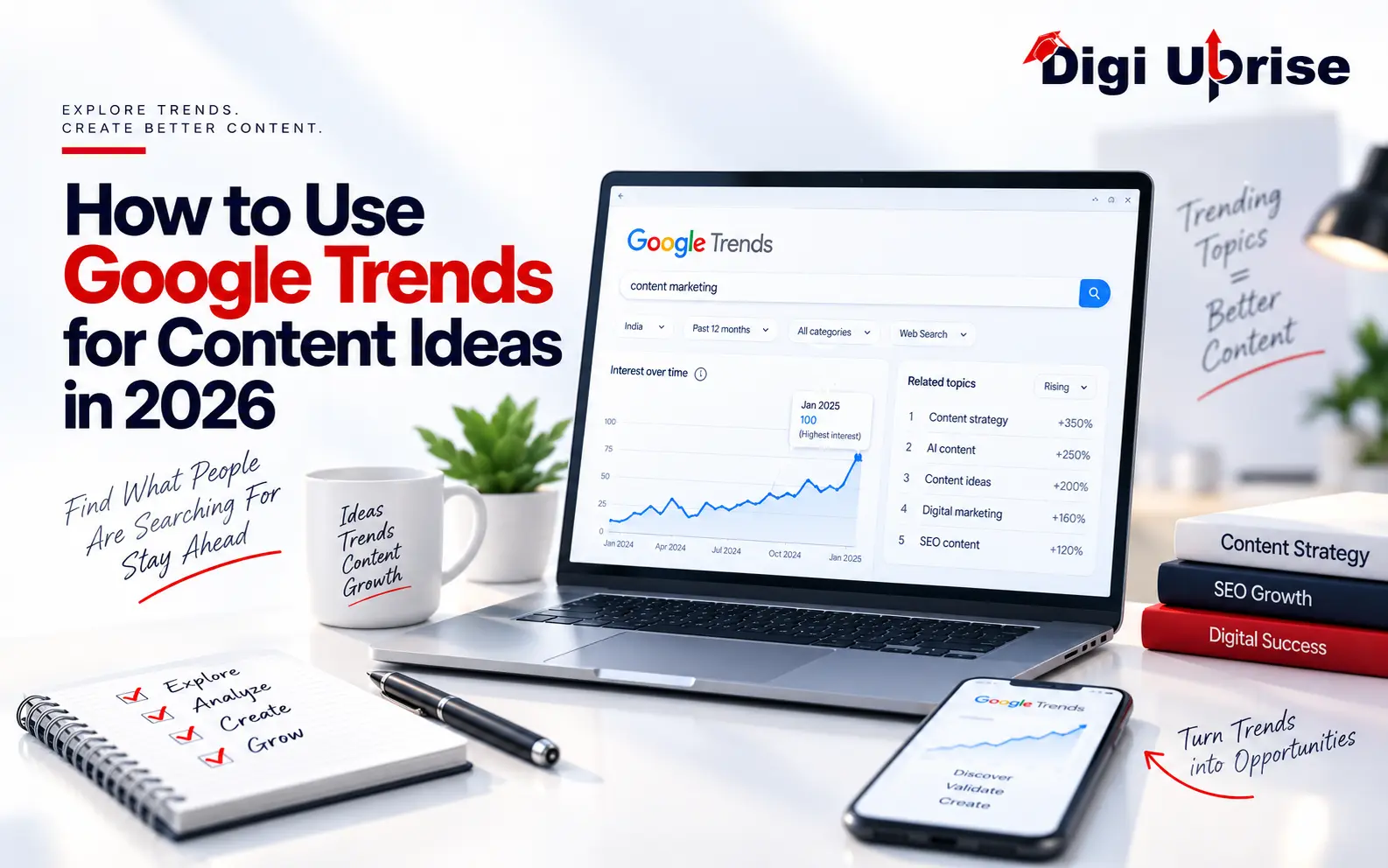
How to Use Google Trends for Content Ideas in 2026
Share with Friends :

Table of Contents
Content creators, this is for you! If you are someone who needs to understand what people really want to write about, with no more guessing, then this guide will be helpful.
With Google Trends, you can see what people search for right now. This guide shows you how to use Google Trends for content ideas that match what your audience is looking for.
Why Content Ideas From Google Trends Beat Guesswork
Creating content without understanding your audience is like running a store without understanding what your customers want. You could do everything perfectly and yet fall short because you have no idea why people should buy it.
- Quality products
- A nice storefront
- Well-written signage
But if your content doesn’t speak to a real need, it will struggle to find readers.
Most teams plan their calendars based on:
- Personal interests
- High-volume keywords
- Industry news
- Random ideas
- Old assumptions about what their audience wants
A better question to ask is simple: what is gaining attention right now?
Trend research answers that. It shows how much people are searching for a topic, how that interest shifts by location, and what related searches look like. Google pulls this data from an anonymized sample. The number you see, on a scale from 0 to 100, reflects relative interest compared to other terms. It is not a raw search volume.
What Google Trends Really Tells You
People often assume Google Trends works like a keyword volume database. It does not.
Trends data is normalized on a scale from 0 to 100. The highest search volume for a term, within your chosen region and time period, gets a value of 100. Every other point on the graph is a percentage of that peak.
So what does this mean in practice? When you compare two terms in Trends, you’re comparing their relative popularity within the filters you set. You are not looking at an exact number of searches or site visits.
Google Trends Filters That Shape Your Content Ideas
When you search a topic in Trends, you can adjust a few key settings:
- Location: where the interest is coming from.
- Time period: how far back or recent the data goes.
- Category: which industry or topic area the data is filtered to.
These matter a lot. Changing any one of them can shift the entire story the data tells. The same topic might spike in one country and barely register in another, depending purely on where you look.
Trending Now vs. Explore
Trends splits into two useful modes:
- Trending Now: Highlights searches rising globally in real time. Works well for breaking news, real-time content, social media, and anything that needs a fast reaction.
- Explore: Lets you study a topic over a longer stretch of time. Works well for evergreen content, seasonality research, and comparing topics over time.
Think of Trends as a compass. It points you toward the direction of audience interest rather than an exact destination.
How to Use Google Trends for Content Ideas
Here you will be doing the research itself. First, pick a topic. See what people are searching for about it. From there, form your own unique take based on what you discover.
For example, if you provide digital marketing solutions, rather than putting something like “best digital marketing blog topics for 2026” in the search bar, first use keywords such as:
- Digital Marketing
- SEO
- Content Marketing
- AI Marketing
Then look at what is trending around each one.
A simple way to move from data to content:
Trends discovery | Possible content |
Rising AI interest | “How AI Is Changing Digital Marketing” |
Growing interest in SEO | “SEO Planning Guide for the New Year” |
Social media trends | “Social Media Trends Brands Should Watch” |
Regional variation in queries | A location-based guide |
A rising query | A detailed FAQ or tutorial |
The path looks like this: seed topic → related queries → rising queries → search intent → content idea.
A single trend doesn’t have to become just one article. It can become:
- A blog post
- An Instagram carousel
- A YouTube video
- A short-form video
- An email newsletter
This is how Google Trends for content ideas becomes an ongoing source of material, not a one-time exercise.
Keyword Research and SEO's Role in Content Strategy
SEO is a long-term game, but that doesn’t mean it moves slowly. Search demand shifts constantly, and pairing it with Google Trends for content ideas can give your optimization work a real boost.
Creating strong SEO content isn’t just about finding keywords with high search volume. Trends help you spot topics and queries gaining momentum before they turn into competitive keywords, giving you a head start on ideas.
However, trendiness does not mean it is easier to rank for something on Google. The factors that contribute to ranking are:
- Search intent
- Content quality
- Website authority
- Technical SEO
Trends offer direction, not a guarantee. Where it helps most is catching shifts in interest, rising or declining, before those shifts show up in your own website traffic.
Build a Content Calendar With Google Trends
Creating a content calendar is all about prioritization, and Trends data provides the raw materials for creating that calendar.
Put your ideas into three categories:
- Evergreen: Topics that remain relevant throughout time, like beginner tutorials, definitions, etc.
- Seasonal: Topics that tend to trend at regular intervals, like holiday content, festivals, etc.
- Emerging: Topics that have shown recent momentum, like technology, changing customer behavior, trending questions, etc.
Allocate 30-45 minutes per week to analyzing Trending Now, core topics, and competitor category analysis. Put everything that shows promise into your content backlog.
It’s a very simple process:
- Discover what people are talking about
- Validate whether the idea is genuinely worth pursuing
- Create the content
- Measure how it performs
Don’t skip straight from noticing a trend to publishing about it. The strongest content mixes evergreen value with what is happening right now.
Use Seasonality, Geography, and Intent to Sharpen Your Calendar
Your content calendar will only work if it is based on time, location, and intent, not assumptions.
If a certain keyword hits its peak search volume in November each year, posting on the 20th is too late to capitalize on that. You should:
- Find when interest typically peaks
- Figure out when it starts rising
- Publish before people start searching
- Let the traffic build naturally as interest climbs
A topic can also behave differently by geography. It might be popular nationally but far more popular in one city or state. That opens the door to:
- Local SEO pages
- Regional blog posts
- City-specific campaigns
Search intent adds the final piece. A keyword is only useful if you understand what the searcher actually wants:
- Transactional intent calls for a product or service page
- Commercial intent calls for a comparison piece
- Informational intent calls for a guide
Volume tells you how much interest exists. Time, place, and intent tell you what to do with it.
Conclusion
Google Trends is a strong source of content ideas because it shows what people actually want to know, including trending searches and related queries, often before a topic becomes crowded. Used properly, this approach enables you to come up with content that is relevant, timely, and more likely to be found via organic search.
Trends alone aren’t a full strategy. Paired with real research and a real understanding of your audience, using Google Trends for content ideas becomes a reliable way to keep finding new topics and build content that improves your search performance over time. This is exactly the kind of work Digi Uprise does every day for brands that want their content to actually get found.
At Digi Uprise, we develop digital marketing, SEO, and content strategies that result in real growth. If you want to receive more such advice, make sure to check our Instagram account and channel on YouTube.
Frequently Asked Questions
1. Is Google Trends free to use?
Yes, it is a free service by Google. For better validation of keywords, you can combine it with other keyword research and SEO tools.
2. What is the best way to use Google Trends for content ideas?
The best way to use Google Trends for content ideas is to start from the very beginning. Choose a seed topic and analyze the related and rising searches, then connect that trending topic with your specific piece of content.
3. Is using Google Trends for content ideas enough on its own for a content strategy?
No. Using Google Trends for content ideas works best as one input among several. It should be paired with search intent research, competitor analysis, and dedicated SEO tools to confirm a topic is worth pursuing before you publish.
4. How can Google Trends help bloggers with content ideas?
It helps bloggers spot popular and emerging topics based on real search intent, including rising queries, seasonal patterns, and related searches that can turn into blog posts and other content.
5. Can Google Trends improve SEO?
Yes. It complements SEO work by surfacing keywords and variations with rising popularity. Combined with keyword research and search intent analysis, Google Trends for content ideas helps you publish the right content at the right time.