
- October 30, 2026
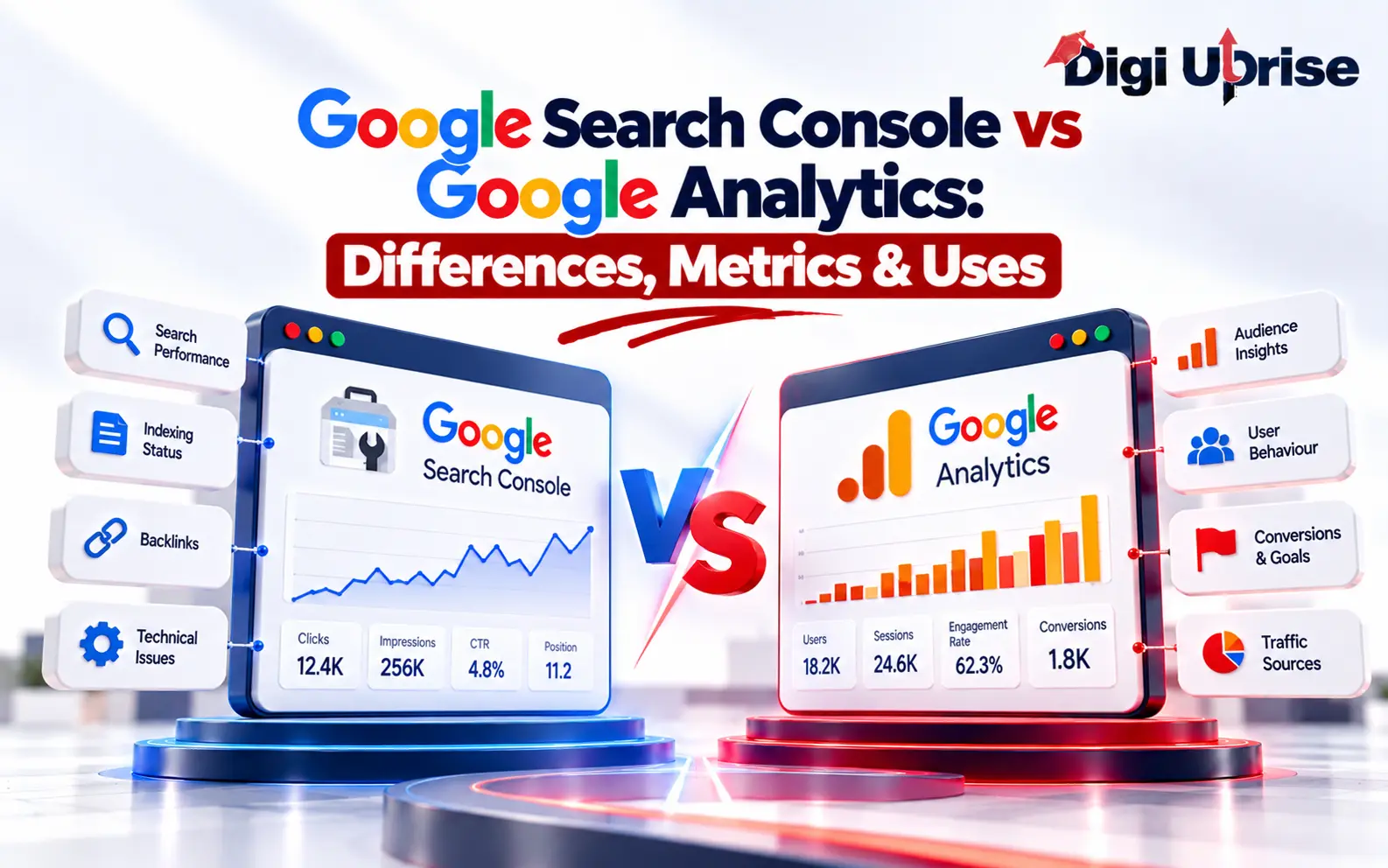
Google Search Console vs Google Analytics: Differences, Metrics & Uses
Share with Friends :

Table of Contents
Quick Answer: Google Search Console shows how people find your site in Google Search, including impressions, clicks, CTR and average position. Google Analytics 4 shows what they do after arriving, such as sessions, engagement and key events. Use both to connect search visibility with real results.
You’ve got traffic. Great. But do you know how those people found you, what they did next, and whether any of it helped your business? That gap is exactly what Google Search Console and Google Analytics fill, and it’s also why people so often mix them up.
The Google Search Console vs Google Analytics question trips up almost every beginner, because both tools show website numbers.
What Is Google Search Console?
Think of Search Console as Google’s own report card for your site. It’s free, and it shows which searches bring up your pages, how often people click, which URLs Google has indexed, and which technical snags might be holding you back.
Here’s what you’ll use most:
- Performance report: clicks, impressions, click-through rate (CTR) and average position.
- Queries: the actual searches that surface your pages.
- Indexing reports: which pages made it into Google, and which didn’t.
- URL Inspection: a closer look at one page and how Google sees it.
- Sitemaps: a way to point Google toward the pages you want found.
- Core Web Vitals: real-world data on speed, responsiveness and layout stability.
Say one of your posts shows thousands of impressions but hardly any clicks. That’s a flag, not a verdict. The title might be dull, the snippet might miss what people want, or the query might simply be a poor match. Search Console shows you where to look; it won’t tell you why.
What Is Google Analytics?
Google Analytics answers a different question: what do people do once they’re here? The current version is Google Analytics 4 (GA4), and it works through tracking code on your site or app. That means it can see visitors from every channel it measures, whether they arrived from organic search, social media, email, ads or a direct link.
Inside GA4, you’ll mostly spend your time with:
- Traffic acquisition: where measured visits come from.
- Engagement reports: engaged sessions, engagement rate and time spent.
- Events: page views, clicks, downloads and anything else you’ve set up.
- Landing pages: the first page people see.
- Key events: the actions that matter, like a form fill or a purchase, once they’re configured.
Imagine an article receiving hundreds of visitors but generating zero enquiries. Google Analytics 4 helps you analyse engagement time, tracked scroll activity, clicks, user interactions and key events to understand how visitors interact with your content.
That’s the real split in Google Search Console vs Google Analytics 4: one explains your visibility, the other explains visitor behaviour.
The Difference Between Google Search Console and Google Analytics
The difference between Google Search Console and Google Analytics is easy to state. One measures how you appear in Google Search. The other measures what its tracking code records on your site or app.
What you’re comparing | Search Console | Analytics (GA4) |
Main job | Tracks Google Search performance | Tracks website and app activity |
Counts | Clicks from Google Search | Measured sessions |
Search queries | Yes, in detail | No equivalent full report |
Indexing | Yes | No |
Traffic sources | Google Search only | Many channels |
Conversions | Not built for them | Key events you’ve configured |
Why the numbers rarely match
They were never supposed to. A click is Google counting someone choosing your listing. A session is Analytics counting a visit after its code loads. If a page is slow and the visitor leaves first, you get a click and no session. Cookie consent, tracking set-up, filters, time zones and attribution rules widen the gap even more.
So stop hunting for a perfect match. Treat each tool as a separate witness, and compare patterns instead of totals.
Google Analytics vs Search Console for SEO
Both help your SEO, just at different stages. Search Console covers what happens before someone lands on your page. Analytics covers what happens after.
Search Console helps you:
- find queries that earn impressions and clicks
- spot pages gaining or losing visibility
- follow CTR and average position over time
- look into indexing problems and Core Web Vitals
Analytics helps you:
- see which landing pages get organic visitors
- check engagement on your important pages
- compare which channels drive activity
- measure enquiries, sales and other key events
Imagine a page that ranks well and still brings in nothing. Search Console confirms the search side is healthy. Analytics shows whether readers stuck around or left. Together they tell you whether the problem is the ranking or what happens after it.
At Digi Uprise, a digital marketing institute in Delhi, learners practise exactly this: reading Google Analytics vs Search Console for SEO side by side, so content decisions come from evidence rather than hunches.
Google Search Console vs Google Analytics: Key Metrics Explained
Before you compare Google Search Console vs Google Analytics data, be sure you know what each number actually means. Misreading one is the fastest route to pointless changes.
- Clicks: times people clicked your listing in Google Search. Not the same as sessions.
- Impressions: how often your listing was shown.
- CTR: clicks divided by impressions, multiplied by 100.
- Average position: The average position of your website’s topmost result in Google Search for the selected query, page or reporting period. It is an aggregated metric and does not represent a fixed ranking for every search.
- Sessions: visits Analytics recorded, based on its rules and your set-up.
- Engagement rate: the share of sessions that count as engaged.
- Key events: events you’ve marked as important to the business.
Compare the same page over the same period, but read each metric by its own definition. A jump in search clicks doesn’t automatically bring the same jump in sessions or sales.
Search Console or Google Analytics: Which Is Better?
Neither wins outright. It depends on what you’re asking.
Which Tool Should You Use?
What You Want to Know | Recommended Tool |
Which search queries generate impressions and clicks? | Google Search Console |
Is my website appearing in Google Search? | Google Search Console |
Are my website pages indexed? | Google Search Console |
Are visitors engaging with my content? | Google Analytics 4 |
Which traffic sources bring visitors? | Google Analytics 4 |
Are visitors submitting enquiries or making purchases? | Google Analytics 4 |
How is my overall SEO performance? | Both tools |
If organic search is your main interest, Search Console is a gentle starting point, because its reports teach you the basics of SEO. If you care about channels, behaviour and results, Analytics matters just as much.
At Digi Uprise, students learn to treat the two as partners. Knowing which one to open for which question beats picking a favourite.
How to Use Google Search Console and Google Analytics Together
Combining the two gives you the whole journey, from search result to final action. Try this routine.
Step 1: Find search opportunities
In Search Console, look for pages and queries with plenty of impressions but weak CTR. Ask whether the title, description and content really match what searchers want. Don’t rewrite anything on CTR alone; check average position, query relevance and trends first.
Step 2: Watch what visitors do
In Analytics, open the landing pages that get organic traffic. Look at engagement, events and key events. Are people finding what they came for?
Step 3: Decide what to fix
Line up the pages from Search Console with their behaviour in Analytics. If the right people arrive but don’t act, look at content structure, internal links, navigation and calls to action.
Step 4: Check whether it worked
After you make changes, watch clicks, impressions, CTR and position in Search Console, and engagement and key events in Analytics. Give it time, and remember that seasonality or an algorithm update can muddy the results.
Learning how to use Google Search Console and Google Analytics together is one of the most practical habits a marketer can build.
How to Connect Google Search Console with Google Analytics 4
Linking the two tools lets you see your organic search reports right inside Google Analytics, so you don’t have to keep switching between tabs. It only takes a few minutes:
- Open your Google Analytics 4 property.
- Click Admin (the gear icon at the bottom left).
- Under Product links, select Search Console links.
- Click Link and choose the Search Console property you want to connect.
- Pick the web data stream that matches your site.
- Review everything, then hit Submit.
A quick heads-up: you’ll need the right permissions in both accounts. You need the Editor role in Google Analytics 4 and verified owner status for the Search Console property to create the connection. If a step won’t let you proceed, that’s usually why.
Also worth knowing: linking doesn’t blend the two datasets together. Search Console numbers like impressions and clicks stay separate from GA4 metrics like sessions and conversions. The link just makes the Search Console reports available inside GA4, so you can view them side by side.
Which Should Beginners Learn First?
Don’t try to learn every report at once. Learn what each tool is for, then go deeper.
Start with Search Console. Get comfortable with clicks, impressions, CTR and position, then explore the indexing reports to see how Google finds your pages.
Next, move to Analytics. Begin with acquisition, landing pages, engagement and key events, and keep asking one question: what do people do after they arrive?
Finally, pick one page and study it with both tools. How does it perform in search, and how do visitors behave on it? That small exercise shows why rankings, traffic, engagement and conversions are connected but not identical.
Digi Uprise is one option for learners who want guided digital marketing training in Delhi. Wherever you study, work with real reports and keep asking what the data does and doesn’t prove.
Conclusion
In short, Google Search Console vs Google Analytics isn’t a contest. One shows how you perform in Google Search; the other shows how people behave on your site or app. Used together, they let you connect visibility with results. Learn the core metrics, compare carefully, and let the findings guide real improvements rather than leaning on a single number.
Frequently Asked Questions
1. What is the main difference between Google Search Console and Google Analytics?
Search Console covers your Google Search performance: clicks, impressions and indexing. Analytics covers activity on your website or app: sessions, engagement and key events.
2. Is Google Search Console better than Google Analytics for SEO?
For visibility, queries and indexing, yes. Analytics shows what organic visitors do next. For the full picture, use both.
3. Can I use Google Search Console without Google Analytics?
Yes. Search Console works on its own, though you won’t get the behaviour reports that Analytics provides.
4. Why are clicks in Search Console different from sessions in Google Analytics?
They count different things. A visitor may leave before tracking loads, decline cookies, or hit a set-up problem, so a click doesn’t always become a session.
5. Are Google Search Console and Google Analytics free?
Yes, both are free in their standard form. Some related or advanced products may cost extra.