
- October 14, 2026
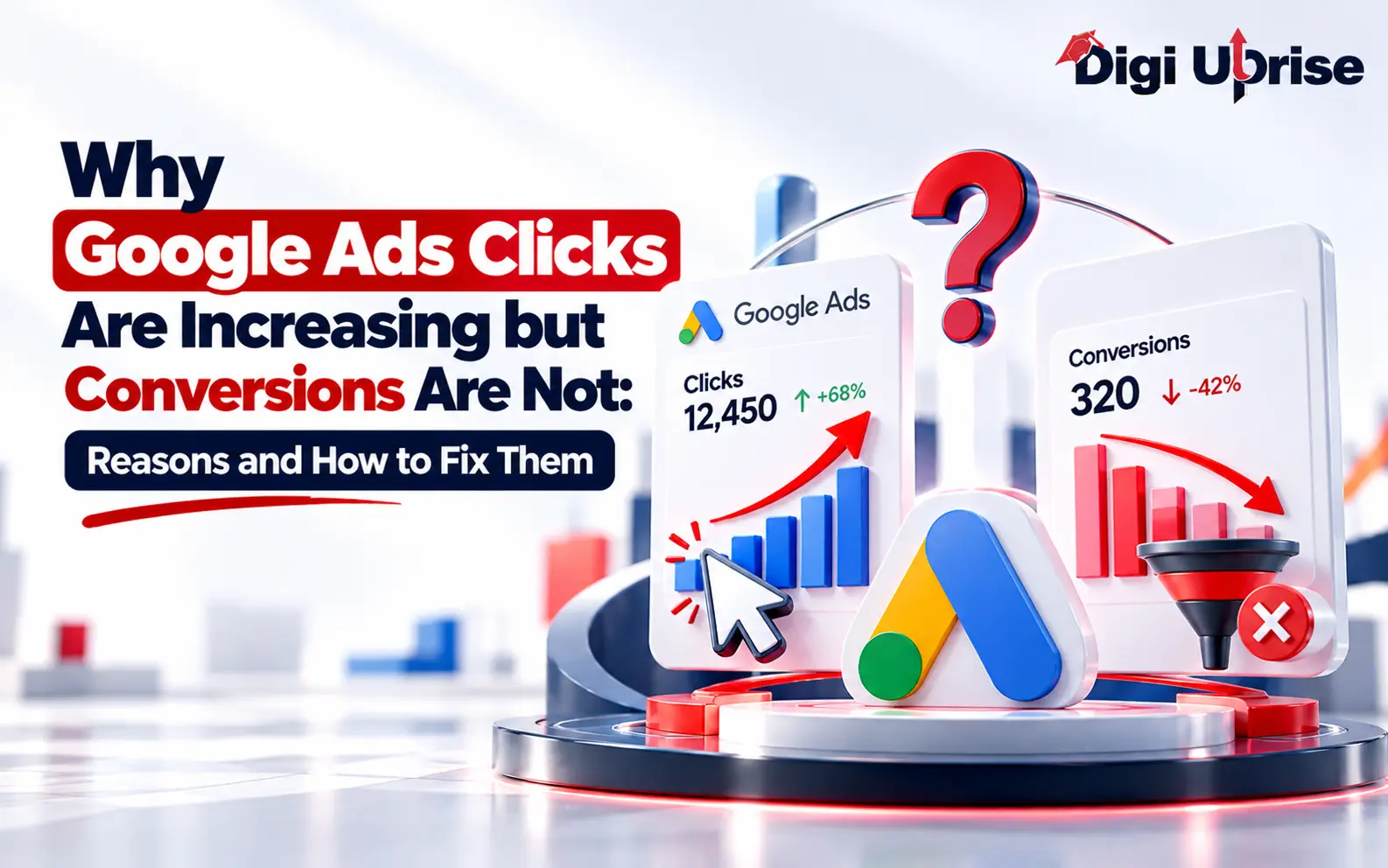
Why Google Ads Clicks Are Increasing but Conversions Are Not: Reasons and How to Fix Them
Share with Friends :

Table of Contents
There is a particular frustration in getting Google Ads clicks but no conversions. The dashboard looks busy and cost per click has barely moved, yet enquiries are flat or falling. You are paying more to attract visitors who never get in touch.
This rarely means Google Ads has stopped working. More often, something between the click and the sale is getting in the way: the wrong searches triggering your ads, a landing page that does not match the ad, an offer that blends into the crowd, or tracking that misses real results. At Digi Uprise, a digital marketing institute that teaches Google Ads, we see this pattern again and again. Find the weak point first, and only then think about spending more.
Why Google Ads Clicks Don't Always Lead to Conversions
A click only shows that someone found your ad worth tapping. It says nothing about whether they want to hire you, buy from you, or request a quote. Conversions, the actions you have defined as valuable, are a far better signal.
Picture a small firm selling accounting software. Last month its ads brought in 600 clicks and 14 demo requests. This month clicks rose to 900 while demo requests dropped to 11. The campaign looks busier, but the firm is paying for more visits and getting fewer serious prospects.
When Google Ads clicks increase but conversions remain low, focus on visitor intent and the steps between clicking an ad and completing a valuable action.
Clicks climb for ordinary reasons: a bigger budget, more keywords, a bid change, or better ad positions. None of these guarantees the new visitors are a good fit, so the real question is why they are not getting in touch.
Check Google Ads Search Terms for Irrelevant Clicks
The Google Ads search terms report helps you understand which searches trigger your ads and whether those queries match your business goals. Someone typing “what does an SEO agency do” is still learning. Someone typing “SEO agency for manufacturing websites” is nearer to a decision. If your spend leans toward the first group while you hope for the second, your results may suffer.
Broad match is useful for finding queries you would never have guessed, but it can also pull your ads into loosely related territory. Review the search terms report regularly. You may spot queries that have little to do with what you sell, such as searches from job seekers, students looking for free material, or people researching unrelated topics.
Add Negative Keywords to Reduce Irrelevant Clicks
Add irrelevant searches as negative keywords where appropriate. For example, a training institute might exclude “free course” if those searches are not aligned with its paid course offerings. Review exclusions carefully to avoid blocking relevant searches. Negative keywords can reduce wasted spending and help focus your budget on more relevant traffic.
Optimize Your Landing Page for Google Ads Conversions
Google Ads landing page optimization starts with matching the page to the promise made in the ad. Even relevant traffic can leave within seconds if the landing page does not meet visitors’ expectations. If an ad promises emergency plumbing in one area but the page opens with a general list of home services, visitors may leave before reading further.
Match the Landing Page to the Ad
Put the ad text beside the page headline and compare them. Does the page repeat the same promise? Does it focus on the service in the ad, or does it send people to a homepage full of unrelated offers? A dedicated page for each main service can improve relevance by matching the ad’s message to the visitor’s needs, but conversion performance should be measured using actual campaign data.
Improve Mobile Experience and Simplify Enquiry Forms
Test the page on a phone, ideally using mobile data, and check how quickly useful content appears. Test the buttons and complete the enquiry form as a visitor would.
Forms that ask for company size, job title, budget range, and postcode before giving visitors a reason to trust the business may create unnecessary friction. Make the next step obvious with wording like “Get a quote” or “Book a 15-minute call” instead of a bare “Submit.” Place reviews, client names, or certifications close to the form.
Strengthen Your Offer to Improve Conversion Rates
Many buyers compare multiple providers before contacting a business. If your page could describe a competitor’s business word for word, the visitor has little reason to choose you.
You do not need the lowest price. You need to be specific about what sets you apart: response time, a guarantee, years in a particular industry, a clear process, or results you can point to. Put those points in the ad and on the landing page, and make sure you can back them up.
Write Google Ads Copy That Attracts Qualified Leads
Ad copy works the same way. Generic headlines earn clicks but often attract poor-fit visitors. Describe the service, the audience, and a realistic result. A smaller, well-qualified audience usually sends better enquiries than a large one clicking out of curiosity.
Analyze Google Ads Performance by Device and Location
Averages hide problems. Your Google Ads conversion rate can vary by device, location, time of day, and audience. A desktop visitor may happily complete a long enquiry form at lunchtime, while a phone user in the evening may want a call button they can find in seconds.
Find Underperforming Campaigns, Devices, and Locations
Split your results by campaign, ad group, keyword, device, and location. Look for a segment that spends heavily and converts poorly. One city or device may underperform while the rest of the account performs well. Compare conversion rates across these segments and investigate the reasons for any meaningful differences. If mobile performance is weak, test the mobile page before rebuilding the entire campaign.
Why Google Ads Get Clicks but No Conversions
If Google Ads clicks increase but sales don’t, check what changed recently. Did you add broad match keywords, rewrite ad copy, switch bidding strategy, or change the conversion goal? Automated bidding may need time to adjust after significant changes. Avoid making several changes at once so you can evaluate their individual impact.
Review Campaign Changes and Lead Response Times
Also look past the click. A lead that waits two days for a reply may already have contacted a competitor. A missed call, a slow follow-up email, or a clumsy checkout can lose a buyer who was ready to act. The campaign may be finding good leads that your team is not converting.
Measure Qualified Leads, Sales, and Revenue
Judge performance on quality. Cost per qualified lead, completed sales, and revenue tell a clearer story than click totals. Fewer but stronger enquiries can be more valuable than a crowd of curious visitors.
Check Whether Google Ads Conversion Tracking Works
Before changing bids or budgets, verify that Google Ads conversion tracking is working correctly. Tags can break when a developer updates a thank-you page, a plugin is activated twice, or a form is rebuilt without updating the conversion tag. These issues can cause missing or duplicate conversions in your reports.
Follow the official Google Ads conversion tracking guide to verify that your website measures important conversion actions correctly.
Test Google Ads Conversion Tracking for Errors
A common trap is a confirmation page that fires the conversion every time someone refreshes it. The account then looks stronger than it is, and you might scale a campaign on figures that do not hold up.
Test it yourself: submit an enquiry, call the number from another phone, and place a test order if you sell online. Check that each one appears in Google Ads once, within the expected window.
Compare Google Ads Conversions With GA4 and CRM Data
Google Ads and GA4 can report different conversion totals because of attribution methods, reporting settings, date ranges, and differences in how conversions are measured. If the gap is substantial or unexpected, compare the same date range and conversion actions before drawing conclusions.
Your CRM or inbox is the final reference, because it records the enquiries that actually reached you.
5 Ways to Fix Google Ads Clicks but No Conversions
Changing everything in the same week teaches you nothing. Work through the problem in this sequence. If you are getting Google Ads clicks without conversions, use these steps to identify where the campaign is losing potential customers.
- Confirm tracking counts each real action once.
- Clean up the search terms and add negative keywords.
- Check that each landing page matches its ad and loads quickly on a phone.
- Split results by device, location, and campaign to find the weakest segment.
- Change one meaningful thing at a time, and judge it by completed conversions.
Conclusion
Getting more Google Ads clicks without conversions is frustrating, but it does not automatically mean the campaign has failed. When traffic grows and enquiries stay flat, the leak is usually somewhere along the route: a search term attracting the wrong people, a page that ignores the ad, a weak offer, slow follow-up, or numbers that do not reflect reality.
Buying more visitors before you find that weak spot only spreads the problem across a bigger audience. Start where the trail goes cold, make one change, and see what it does to real enquiries. If your team wants to build that skill properly, Digi Uprise runs Google Ads training that walks through exactly these checks with real campaign data.
Frequently Asked Questions
1. Why Do My Google Ads Get Clicks but No Conversions?
Usually it’s one of four things: junk search terms, a landing page that ignores the ad, a weak offer, or tracking that misses real enquiries. Check the search terms report first, since it’s the quickest place to spot waste.
2. How Long Should I Wait Before Judging a Campaign?
It depends on how long your customers take to decide, how many conversions the campaign generates, and whether tracking is accurate. Even if people book within a day, a week may not provide enough data to judge performance. Look for consistent patterns over an appropriate period rather than relying on a small sample.
3. Can Conversion Tracking Undercount Real Enquiries?
Absolutely, and more often than you’d expect. A broken tag or a form that never fires an event can hide real leads. Compare the same date range against your CRM or inbox. If the numbers don’t match, fix tracking before touching the campaign.
4. Should I Pause a Campaign if Clicks Rise but Sales Fall?
Not straight away. First confirm tracking is accurate, then look at who’s clicking and what they search for. If waste continues, cut the weakest ad groups or keywords. Pausing the whole account often throws out the good traffic along with the bad.
5. How Many Conversions Do I Need Before Optimising Bids?
There’s no magic number, but automated bidding needs steady data. A campaign with only a handful of conversions a month gives it little to learn from. Allow enough time and conversion data to evaluate performance before making frequent bidding changes. Significant changes can affect campaign performance and may trigger a new learning period, depending on the bidding strategy and the change made.
6. Do Negative Keywords Help With a Low Conversion Rate in Google Ads?
Negative keywords can help address a low conversion rate in Google Ads when irrelevant searches attract unsuitable visitors. Review the search terms report regularly, exclude genuinely irrelevant queries, and monitor whether lead quality improves. Negative keywords are only one part of the solution, so also check your landing page, offer, and conversion tracking.