- September 21, 2026
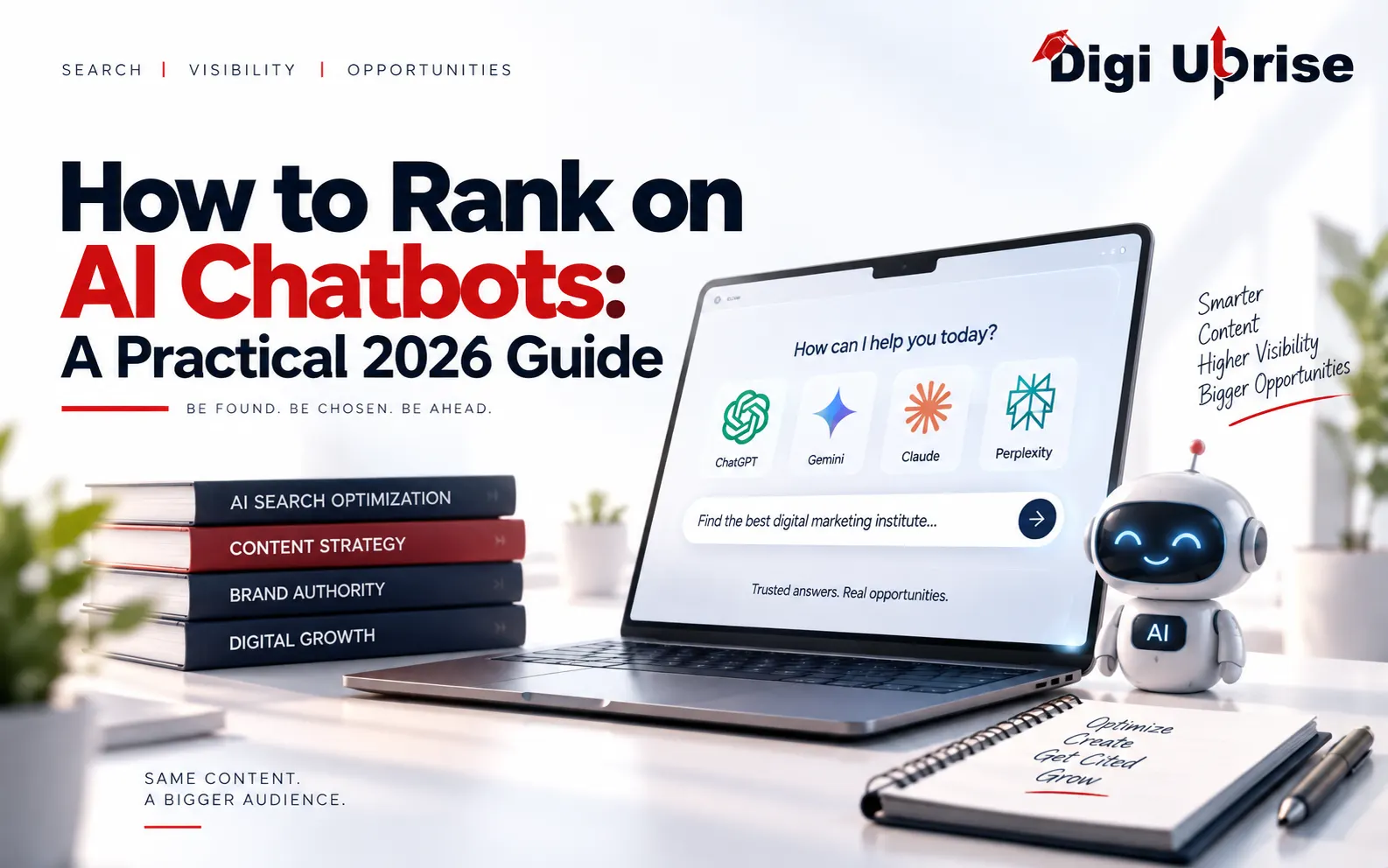
How to Rank on AI Chatbots: A Practical 2026 Guide
Share with Friends :

Table of Contents
To rank on AI chatbots, you need to ensure your web pages are crawlable, interpretable, and trustworthy to these AI algorithms, and then provide information that is worth citing. There is no magic button that would make sure you get cited in ChatGPT, Gemini, or Perplexity, and nobody can guarantee that you will be featured in these answers.
At Digi Uprise, we teach generative engine optimization as an extension of solid SEO, not a replacement for it.
What Does AI Chatbot Ranking Actually Mean?
Ranking on AI chatbots means your brand or page shows up as a cited source or a recommended answer when someone asks a chatbot a question. A chatbot does not list ten blue links in order. It writes one answer and links to a handful of sources.
So the goal changes from “position 3 on Google” to “be one of the sources the chatbot trusts.” You will hear a few names for this work:
- Generative engine optimization (GEO): improving your content so generative AI tools can find, understand, and cite it.
- Answer engine optimization (AEO): structuring content so it directly answers questions.
- AI search visibility: how often and how well your brand appears in AI-generated answers.
These terms overlap heavily, and the steps in this guide work for all three.
How Is AI Search Visibility Different From Google SEO?
Google SEO competes for an ordered list of links. Chatbots compete to be a source inside one written answer. The foundations stay the same, and Google says the SEO best practices still apply to its AI features, so you do not need to throw away what already works.
Here are some essential changes you should make:
- Crawlers: different crawlers are used by different systems, which means that one universal robots.txt strategy will not work for all of them.
- Topic depth: AI tools can search several subtopics at once, so related questions matter more.
- Measurement: results may differ depending on the search, which means one number rank won’t tell you much.
Good SEO is still the base, but AI search adds more crawlers, more subtopics, and less predictable results.
How to Rank on AI Chatbots in 5 Steps
Work through these in order: access, content depth, answer structure, trust, then measurement. Later steps only help if AI systems can already reach your pages.
Step 1: Let AI Crawlers Reach Your Site
If an AI crawler can’t reach your website, it can’t cite you. Every later step in this guide depends on this one working first. You should check your robots.txt and any possible firewall that may block bots. Almost all AI companies use separate crawlers for this:
- OpenAI: OAI-SearchBot surfaces content in ChatGPT search, while ChatGPT-User fetches pages when a user browses. You can allow OAI-SearchBot and disallow GPTBot to keep content out of training.
- Perplexity: It recommends allowing PerplexityBot in robots.txt. If you use a web application firewall, you may need to allow its bots explicitly.
- Anthropic (Claude): ClaudeBot is responsible for training, Claude-SearchBot for search indexing, and Claude-User for requesting pages. Blocking one will not block the other two.
Do not block every AI bot in one rule. That can remove you from AI answers, so decide bot by bot and check each company’s official crawler page, since names change.
Step 2: Cover the Whole Topic, Not Just One Keyword
Some AI-based search tools tend to break down one question into several others. As stated by Google, AI Overviews and AI Mode might use a “query fan-out” strategy and perform several searches around the original one.
So a page that answers only the main question can lose to one that covers the follow-ups too. For an email marketing page, also cover list building, budget tools, send frequency, and measurement.
Google’s documentation also says there are no additional requirements to appear in AI Overviews or AI Mode, and SEO best practices remain relevant. So if a tool promises a “hidden trick” for AI Overviews, be skeptical.
Step 3: Write Answers AI Can Lift Cleanly
AI chatbots lift short segments of text, so each piece of information on your page needs to stand on its own.
- Answer first. Put a one- or two-sentence answer right under the heading, then explain.
- Use question-form headings whenever they correspond to how people usually ask questions.
- Use lists and steps for processes and comparisons.
- Be specific. Mention the name of the tool, the situation, or the step instead of saying “optimizing your content”.
Don’t forget about human readers for the sake of machines. The best way to optimize for generative engines is when you can enjoy reading the entire page.
Step 4: Build Trust Signals That Are Real
Trust matters just as much as access, because AI tools favor sources that look reliable and current. There is no official checklist, so treat these as expert recommendations, not confirmed rules:
- Show who wrote the page and why they are qualified.
- Link to primary sources such as official documentation.
- Add original insight from real work. Never invent it.
- Keep important pages updated and show the last updated date.
Leave out any numbers that are not verifiable. High AI search visibility is achieved through usefulness over time, not gimmicks.
Step 5: Measure Your Progress
You cannot improve your AI search visibility if you never check it. Use three methods together:
- Search Console: Google announced reports for generative AI features, showing impressions in features like AI Overviews and AI Mode. They are rolling out to a subset of websites first.
- Analytics: ChatGPT adds utm_source=chatgpt.com to referral URLs, so publishers who allow OAI-SearchBot can track that traffic.
- Manual testing: Test your performance on 10 to 20 customer questions through ChatGPT, Gemini, and Perplexity every couple of weeks and see if you are cited there.
Keep expectations realistic as you track this. AI answers can change between searches, so look for trends, not a single result.
Quick Checklist to Start This Week
Use this list before you write anything new. It is a small amount of work, and it gives you a clean baseline to compare against later.
- Check robots.txt and your firewall to make sure OAI-SearchBot, PerplexityBot, and Claude-SearchBot are not blocked by accident.
- Pick one page that already gets search traffic and add a direct answer under its main heading.
- Add the follow-up questions readers ask as extra sections or FAQs.
- Add an author name, a last-updated date, and links to primary sources.
- Write down 10 questions your customers ask and save today’s answers from ChatGPT, Gemini, and Perplexity.
- Set a reminder to repeat the same test in a few weeks.
Once these six items are done, you have a clear baseline, and every later improvement becomes easier to spot and measure.
Common Mistakes to Avoid
Most AI visibility problems come from a handful of avoidable errors, so check your own site against this list before you publish or update anything.
- Blocking search bots while trying to block training bots. These are separate crawlers, so one broad rule can remove you from AI answers.
- Stuffing keywords. Repeating the same phrase to “teach” a chatbot makes the page harder to read and gives AI tools no better answer to lift.
- Copying what already exists. A page that only rephrases other pages gives a chatbot no reason to pick yours. Add your own steps, examples, and experience.
- Using unverified numbers. An invented statistic may undermine credibility fast. When the number cannot be verified, use a simple statement.
- Expecting instant results. An improvement will hardly make any difference immediately.
Generative engine optimization is a long game. Fix access first, then content depth, then trust.
Final Takeaways
Showing up in AI-generated answers isn’t a new game with new rules. Generative engine optimization is really good SEO with more attention to crawler access, complete topic coverage, clear answers, and honest trust signals. You do not need a new toolkit to begin. Start by checking your robots.txt, improve one important page at a time, and test your AI search visibility on a regular schedule.
For further knowledge about SEO, digital marketing, and AI search engines, follow Digi Uprise on Instagram and subscribe to Digi Uprise on YouTube. We post new lessons periodically so that you can learn continuously without any assumptions.
Frequently Asked Questions
1. Can I rank on ChatGPT without ranking on Google?
This is theoretically possible, although it would help if you did good SEO. ChatGPT has its own search crawler called OAI-SearchBot.
2. Do I need special SEO for Google AI Overviews?
Google says no. Its documentation states that no additional requirements or special optimizations are needed, and normal SEO best practices still apply.
3. If I block GPTBot, will I disappear from ChatGPT?
Not necessarily. GPTBot and OAI-SearchBot are controlled separately in robots.txt. Blocking GPTBot is about training, while OAI-SearchBot affects ChatGPT search.
4. How do I know if ChatGPT sends me traffic?
Use the traffic analysis tool to check for referral traffic from chatgpt.com in the utm_source parameter. It works only if OAI-SearchBot can find your content and a visitor clicks on it.
5. How long does it take to appear in AI answers?
It depends entirely on the situation. It may take around one day for the crawler changes to be effective, but it depends on your content and competitiveness as well.