- November 2, 2026
How to Refresh Old Blog Posts for SEO and More Organic Traffic
Share with Friends :

Table of Contents
Blog posts don’t just write themselves, optimize themselves, and then promote themselves. Search patterns and behaviors change. Over time, you publish new, more relevant content. This can reduce traffic to old posts, even ones that previously drew consistent organic traffic.
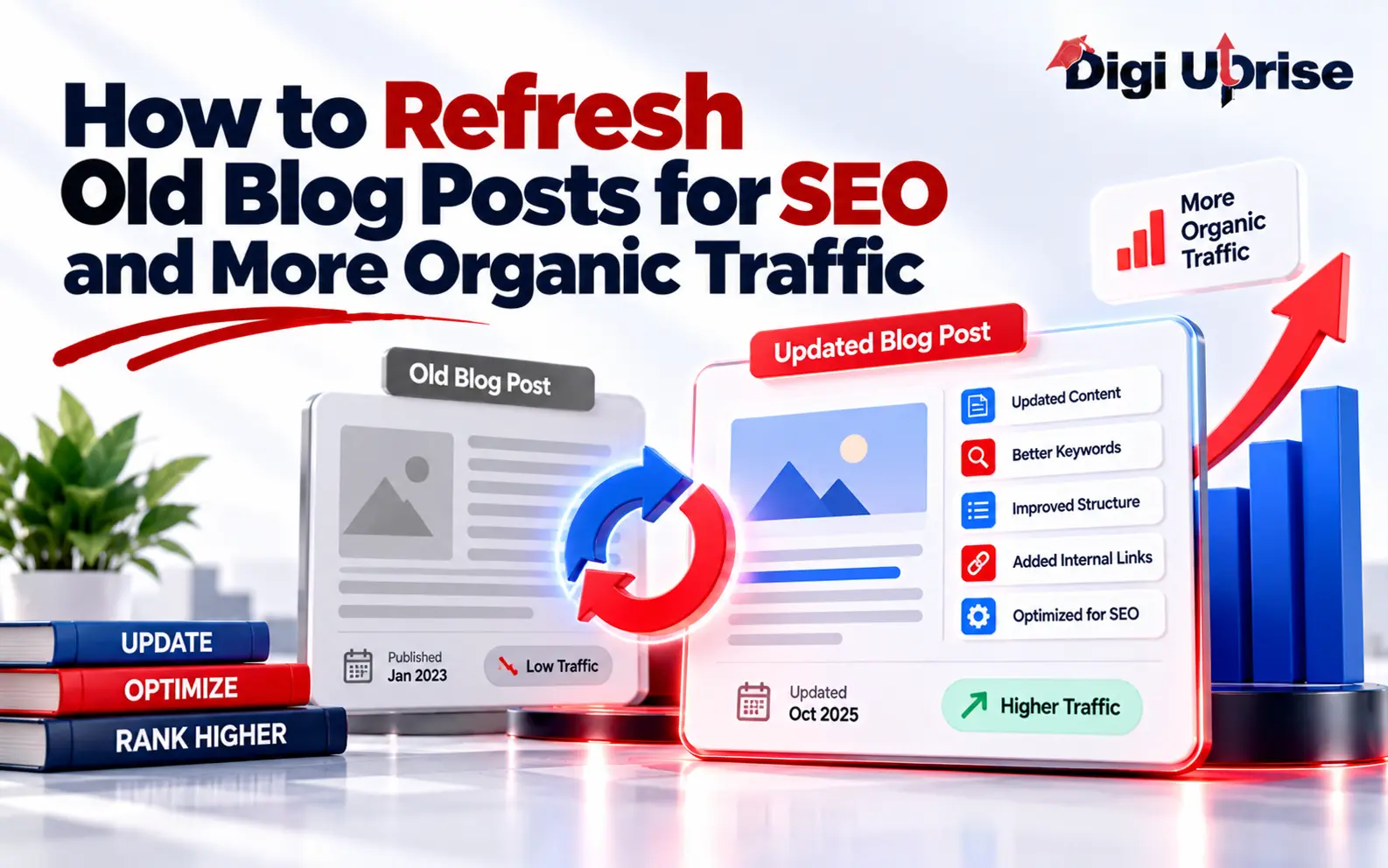
Improving organic traffic isn’t always about publishing new blog posts. Updating existing content can also help recover lost visibility, address outdated information, and better satisfy changing search intent. If improvements are thoroughly planned, content can be better aligned with search intent, more informative, and easier to read.
Don’t update old posts superficially by just changing their dates and adding a few keywords. Plan edits based on why traffic has diminished, and make improvements that truly benefit readers.
This guide shows you how to audit your old posts, update them, and track results using an SEO workflow.
Understand Search Intent and Competitor Content
Search intent changes over time. Users increasingly want more practical answers, such as comparisons, examples or tutorials. Competitors may publish more effective answers to the same query.
Review pages ranking for your target keyword. Identify what your article is missing, and cover it. Avoid simply copying the structure or content of competing pages. Instead, identify missing information and provide more useful, original insights that satisfy the reader’s search intent. The goal is not to make the longest article, but the most helpful.
Common Reasons Older Blog Posts Lose Traffic
A page may no longer receive traffic because its ranking has dropped, or its search result is no longer enticing. Other factors include slow load times, broken links and poor usability or design.
First, determine whether the problem stems from content quality, search visibility or technical issues.
How to Identify Old Blog Posts That Need Updating
To decide which posts need a refresh, review your past articles and identify those that haven’t performed well. Don’t waste time updating posts that don’t need it.
Check Google Search Console
Google Search Console provides insights into your website’s performance in Google Search, including search queries, impressions, clicks, average positions, and indexing information. You can view queries, how often your pages appear, how often they’re clicked, where they rank and their click-through rates.
Review the queries for which your pages rank. Look at the following to determine if a page should be refreshed.
- Clicks: A consistent decline in clicks may indicate reduced search visibility, lower search demand, or a drop in click-through rate. Compare clicks with impressions and average position to understand the underlying issue.
- Impressions: A consistent decline in impressions may indicate reduced search visibility. Check whether rankings have dropped, search demand has changed, or seasonal trends are affecting the topic.
- Average Position: A declining ranking or an increase in the average position number may indicate that your page is losing visibility for important search queries. Compare performance over equivalent periods to identify meaningful changes.
- Click-Through Rate (CTR): A low CTR despite strong impressions may indicate that your title tag and meta description are not compelling enough or do not clearly communicate what users can expect from the page.
Look for pages with consistent drops, pages ranking just outside the top positions, and articles getting impressions but few clicks.
Not every declining result requires a content rewrite. Consider seasonal changes, search-result fluctuations, and technical issues.
Check Organic Traffic in Google Analytics
Google Analytics shows what happens after visitors arrive. Evaluate search sessions, look at landing pages, and assess user engagement and relevant conversions.
Identify Pages with Traffic but Low Engagement
Review whether visitors are finding the information they need and taking relevant actions. Identify content gaps, unclear calls to action, or navigation issues that may prevent visitors from engaging with your website.
Prioritize Pages with the Best Refresh Opportunities
Create a prioritized list of pages, including the URL, the keyword for which it is ranked, the current ranking position, probable problems, and proposed changes. Give special attention to pages that have obvious problems and opportunities for improvement.
Perform an Organized Content Audit
Identify the right page and consider the content from the reader’s perspective. Would the content, as written, provide an answer to the original question? Would it be useful to someone reading it now?
Audit Existing Content for Quality and Relevance
If you come across an example that is no longer applicable, find and add a contemporary example that reflects the spirit of the original idea. If there is a reference to a product that no longer exists, and there is no comparable alternative, eliminate the reference.
Fill Content Gaps and Improve Readability
Review the article from beginning to end and note examples of verbose or repetitive explanations, missing steps, and unanswered questions.
Describe examples, procedures and/or distinctions that you feel will improve understanding.
If an article is too long and needs extra information to reach the required minimum word count, do not just add fluff. Every modification should be well thought out and improve understanding.
Review Search Intent and Content Accuracy
Determine if the article still addresses the main reason a user searches for its target keyword. For example, users searching for a guide are looking for instructions to help them complete an action, whereas users interested in a comparison may wish to see the key differences along with the criteria that will assist them in deciding.
Understanding how SEO and content marketing work together can help you identify content gaps, improve topical relevance, and create more useful resources for your audience. When editing for word count, focus on real content issues rather than routine edits.
Optimize Old Blog Posts for SEO
Beyond updating the article body, consider how it communicates its subject to users and search engines.
Update Primary and Secondary Keywords
Check which queries bring up the page in Google Search Console. Some may highlight topics the original article glossed over.
Make use of your primary keyword in the title and body where applicable. Use secondary keywords where applicable and where they best describe the subject.
For instance, a post on refreshing old blog posts to boost organic traffic could cover content audits, updating old posts, recovering organic traffic, and on-page SEO.
It’s best not to stuff every related phrase into a single paragraph. Search engines are good at discerning a passage’s general idea, and most of the time, writing for a human audience is more beneficial.
Optimize Titles, Meta Descriptions and Headings
Edit the title tag to give a clear, succinct description of the article. Avoid using clickbait or guaranteeing a result in the meta description.
Organize the information with a main header, and add subheaders and sub-subheaders as needed to describe the content that follows.
Don’t just change the title for the sake of doing something. The same principle applies to improving the description and keyword structure.
Optimize Images, URLs and Content Structure
Mobile users should be able to read and navigate the page easily. Remove any excessive formatting.
Always use a relevant and descriptive URL and change the URL only when it’s clear, relevant and useful to do so.
Improve User Experience and Internal Linking
Make it easy for users to find more information by linking to related articles and pages.
Add Relevant Internal Links
Start by reviewing your existing articles, service pages, and other informative resources on your site. Find areas where links would be valuable in helping your audience better understand a particular topic.
For example, in your article about optimizing your blog, you could link to your articles on technical SEO, keyword research, content writing, and Google Search Console.
It’s important to describe the destination of your links to provide context. Don’t add links for the sole purpose of reaching a link goal, and remove any links that don’t add value.
Fix Broken Links and Improve Navigation
Test important links (internal and external) and fix broken ones, removing any that don’t add value for the reader.
Make important information easy to find, particularly on long articles. Use descriptive and organized headings, and have clear paragraphs that logically guide your reader to the solution from the problem statement.
Make Content Easier to Read on Mobile
Beyond testing readability and checking navigation, make sure your images, spacing, and other site elements are easy to use and accessible on smaller screens.
Consistently applying these content optimization practices helps teams maintain useful, relevant, and accessible website content while improving the overall user experience.
Create an Effective Blog Content Refresh Strategy
A strategy to refresh and repurpose blog content regularly can help maintain site content quality as your site grows. Establish a process around your performance and business priorities to ensure accuracy.
Create a Blog Post Optimization Checklist
Use the following checklist when reviewing an older article:
- Review organic clicks, impressions, rankings, and traffic.
- Check if content aligns with current search intent.
- Check facts, examples, screenshots, and external references.
- Identify missing information and clarify unclear points.
- Review keywords, headings, title tags and meta descriptions.
- Add appropriate internal links and correct broken links.
- Test mobile site functionality and readability.
- Document changes and establish a baseline.
Decide What to Update, Expand, Merge, or Remove
Not all underperforming articles require the same treatment.
- Update an article if the information is outdated.
- Expand an article if important questions are left unanswered.
- Merge overlapping articles if the combined article would better satisfy search needs than the articles currently available, and implement appropriate redirects.
- Remove a page only after careful consideration. Check if the page is outdated, irrelevant, and unhelpful.
Establish a Review Schedule for Important Pages
Topics change over time. Determine an appropriate review schedule for articles based on how often the topic changes.
As your website grows, use insights from previous SEO campaigns and content audits to improve your future content strategy. Focus on changes that deliver measurable improvements in search visibility and user engagement.
Create a record of all changes, the reasoning behind them and when each was published or updated. Regularly audit the website to help the team better understand the changes implemented and why they were made.
How to Measure SEO Results After Refreshing Old Blog Posts
Updating an article does not guarantee an immediate increase in organic traffic. Many factors beyond your control can influence search performance, including competition, relevance, when Google recrawls and reindexes your content, and changes in search results.
Track SEO and Engagement Metrics
Make sure you know the current performance level of a page before making any changes. You can use Search Console to check how a page performs after you make changes. You can also use Google Analytics to assess how users engage with a page and whether they complete a goal.
Compare Performance Over Equivalent Time Periods
We recommend comparing performance levels for equivalent time periods to account for seasonality. Don’t make changes based on only a few days of data, especially if the data shows low organic search traffic.
Analyze Search Impressions and Click-Through Rate
Impressions from a search engine do not necessarily lead to clicks. Determine what searches resulted in the impressions. It is also important to take into account ranking. A page may rank well and receive impressions but still attract few clicks if its title and description do not match what users expect from the search query. Review the queries generating impressions and improve your search snippets where necessary.
Know When to Move On from Underperforming Content
If a page continues to underperform despite meaningful improvements, review whether the topic still serves your audience and business goals. Consider consolidating overlapping content, updating the page’s purpose, or prioritizing other pages with stronger growth opportunities.
Conclusion
Refreshing old blog posts is an effective way to maintain content quality, address outdated information, and improve the usefulness of existing resources. Start by examining content performance to find any real gaps. Be sure to edit information and strengthen your internal links regularly. Remember that updating old content does not guarantee better rankings. Focus on addressing content gaps, improving accuracy, and aligning your articles with current search intent. Monitor performance regularly to understand whether your changes are delivering meaningful improvements. You can consistently refresh old content to improve the reader experience.
If you want to develop practical SEO skills and learn how to implement content optimization strategies, explore the digital marketing courses at Digi Uprise. You can gain hands-on knowledge of SEO, keyword research, content marketing, and website optimization.
Frequently Asked Questions
1. How often should you refresh old blog posts for SEO?
Review old blog posts for refresh potential based on their topic, performance, and rate of change. Pages covering rapidly changing tools and trends may need more frequent reviews, while evergreen content may not need regular updates. Depending on the subject matter and your product, you may need to update old blog posts more frequently.
2. Does updating old blog posts improve organic traffic?
Yes, updating old blog posts can improve organic traffic when the changes make the content more useful, accurate, and relevant to current search intent. Updating outdated information, filling content gaps, improving internal links, and optimizing on-page SEO can help strengthen a page’s search performance. However, results are not guaranteed.
3. How do I find blog posts that need updating?
You can find blog posts that need updating by looking through Search Console for pages with declining clicks and/or changing impressions. Then check Google Analytics to see whether those pages have declining organic traffic. Finally, review the posts to see whether they have outdated info and/or unanswered questions.
4. Should I change the publication date when refreshing a blog post?
Update the displayed publication or modification date only when it accurately reflects the changes made to the article. Changing the date without making meaningful content improvements does not improve search rankings.
5. How long do I need to wait to see the effects of refreshing content?
There is no fixed timeline for seeing results after refreshing old content. Search engines need to recrawl and reassess the updated page, and the impact also depends on competition, content quality, and search demand. Monitor clicks, impressions, rankings, and organic traffic over the following weeks and months.
6. Can I refresh old blog posts without changing their URLs?
Yes. Keeping the existing URL is generally preferable when the updated article serves the same search intent and purpose. Keep the existing URL when the updated article serves the same search intent and purpose. If changing the URL is necessary, implement a 301 redirect from the old URL to the new one.