- October 10, 2026
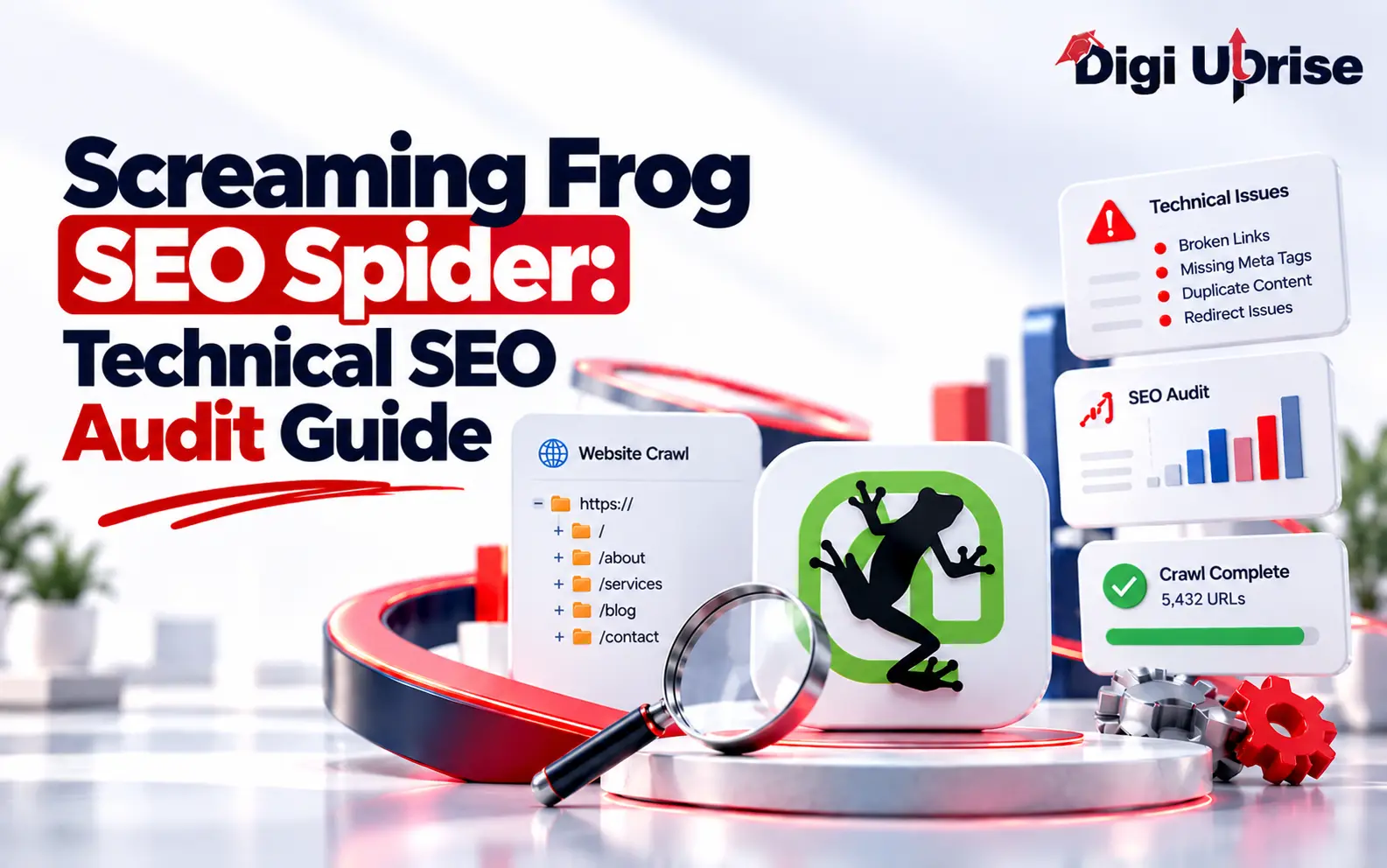
Screaming Frog SEO Spider: Technical SEO Audit Guide
Share with Friends :

Table of Contents
Screaming Frog SEO Spider is a desktop tool that crawls your website the way a search engine bot would, then reports problems like broken links, redirect chains, missing page titles, and duplicate pages. If you have ever wondered why a page is not showing up in search, a crawl is one of the fastest ways to start finding out.
Digi Uprise emphasizes skill-building when it comes to SEO, and learning how to read a crawl report is definitely an essential skill to have. This tutorial will teach you what this tool is used for, how to run your first crawl, and which parts should be prioritized.
What Is Screaming Frog SEO Spider and What Does It Do?
It is a website crawler you install on your computer. You enter a URL, and the tool follows the links it finds, requests each page, and records data such as status codes, titles, meta descriptions, headings, and canonical tags. You then review that data in tables and reports.
The official site says the tool is free for crawls of up to 500 URLs, and that a licence is needed to crawl more than that and to use advanced features. Licences last one year before renewal. Prices change, so check the official pricing page instead of relying on a blog post.
Here is what it helps you find:
- Broken links, server errors, and redirects
- Page titles and meta descriptions that are missing, duplicated, or too long
- Meta robots tags and other indexing directives
- Duplicate pages and hreflang problems
- Data you can use to build an XML sitemap
The official feature list also includes JavaScript rendering, custom extraction, and integrations with Google Analytics, Search Console, and PageSpeed Insights. Check which of these your version includes before you plan a workflow around them.
Why Use an SEO Website Crawler for a Technical SEO Audit?
Because a crawler checks far more pages than you can check by hand. A technical SEO audit asks whether search engines can find, crawl, and index your pages. An SEO website crawler speeds up that first part by visiting your site like a bot and listing what it found.
Checking five pages manually is fine. Checking five hundred is not.
A crawler has limits, though. Screaming Frog SEO Spider does not provide keyword rankings or a complete backlink analysis by itself. You can connect supported data sources for additional metrics, while Google Search Console is useful for checking Google’s indexing information and search performance. The table below shows how the two differ.
Comparison | Screaming Frog crawl | Google Search Console |
Data source | Your site, crawled from your computer | Google’s own data about your site |
Main question it answers | What can a bot find and read on my pages? | How has Google crawled, indexed, and shown my pages? |
Best for | Broken links, redirects, titles, directives, site structure | Indexing status, search performance, Google-reported issues |
Limitation | Does not show how Google indexed or ranked a page | Does not crawl your whole site on demand like a crawl tool |
Think of the crawl as the structural check and Search Console as the performance check. Used together, they cover far more than either one alone.
How to Run Your First Crawl, Step by Step
Running your first crawl is simple once you know the order of steps, and it only takes a few minutes to set up.
- Download and install the SEO Spider from the official Screaming Frog website.
- Type your homepage URL into the “Enter URL to spider” box at the top.
- Click Start and allow the crawl to continue running until the progress bar displays 100%.
- Review the Overview and relevant issue reports to identify potential technical SEO problems.
- Inspect the Response Codes, Page Titles, and Directives tabs to investigate specific URLs, status codes, metadata, and indexing directives.
- Export the lists you need to a spreadsheet and share them with your developer or content team.
Repeating this routine on a schedule is the core of any technical SEO audit.
If you only want to check specific pages, such as a list of URLs after a site migration, switch the crawl mode to List and upload them. On a large site, crawl one section first before attempting the whole thing.
What to Check in Your Screaming Frog SEO Spider Crawl
A crawl can return hundreds of flags. The table gives a quick reference for the most common ones, and the sections after it explain how to think about each group.
| Issue flagged | What it means | Usual next step |
| 404 error | The page was not found | Fix the link, or redirect the old URL if the page moved |
| Redirect chain | One URL redirects through several steps | Link directly to the final URL |
| Missing page title | The page has no title tag | Write a unique, clear title |
| Duplicate meta description | Several pages share the same description | Write unique descriptions for your key pages |
| Noindex tag | The page asks search engines not to index it | Confirm it is intentional |
| Canonical points elsewhere | The page names a different URL as the preferred version | Confirm the canonical is correct |
| Blocked by robots.txt | Crawlers are not allowed to access the URL | Make sure no important pages are blocked |
Response codes and redirects
Start with 4xx and 5xx errors. A 404 page that other pages still link to is a broken link, so fix the link or redirect the old URL. Also look for redirect chains and link straight to the final URL instead.
Page titles and meta descriptions
Search for pages that lack page titles and meta descriptions or have duplicate information or content that might be chopped off in search results. Duplicates usually indicate an issue with templates, and fixing it will fix many other pages.
Indexability and directives
Watch for noindex tags, canonical tags linking to another URL, and blocked content from the robots.txt file. Such configuration is not a problem if done on purpose, but a noindex tag placed on a crucial page accidentally will take the page out of the search results.
Internal links and site structure
Pages buried many clicks from the homepage are harder for visitors and crawlers to reach. Remember too that any SEO website crawler only reports what it can reach by following links. Pages with no internal links may be missed unless you also crawl your XML sitemap or connect other data sources.
For example, if a crawler identifies a broken internal link on an important course landing page, prioritize fixing it because it can affect navigation and the crawling of important pages. In contrast, a noindex tag on a thank-you page may be intentional if you do not want that page to appear in search results. Always evaluate each issue based on the page’s purpose, SEO importance, and potential impact before deciding what to fix first.
It’s impossible to do all things at once. A good technical SEO audit prioritizes issues based on their impact, starting with critical pages and broken links, followed by unintended indexing problems and other cleanup tasks.
Common Mistakes and Limits to Keep in Mind
Even a powerful crawler can mislead you if you read its results the wrong way or set it up poorly. Here are the most common slip-ups, along with the limits of what the tool can tell you.
- Treating every warning as an error. There are some warnings that should be treated as observations, rather than penalties. For example, if the site has a noindex tag on the thank you page, this is a correct practice.
- Ignoring JavaScript. When the content of your website is loaded with the help of JavaScript, a simple crawl may not detect it. Enable JavaScript rendering in settings and compare reports.
- Crawling too aggressively. On small or slow hosting, a high crawl speed can strain the server. Lower the speed if the site struggles.
- Running it once and stopping. Crawl again after redesigns, migrations, and major updates. The tool can compare two crawls so you can see what changed.
- Expecting more than it offers. An SEO website crawler provides technical data. It does not assess the quality of content or user intention.
How does technical SEO relate to AI search? Google’s guidance on AI Overviews and AI Mode emphasizes that existing SEO fundamentals still apply. These include allowing crawling and making content easy to discover through internal links. Screaming Frog SEO Spider can help you inspect these technical foundations, but it cannot guarantee that an AI tool will mention your content.
Conclusion
Although Screaming Frog SEO Spider won’t do the SEO work for you, it does make the technical work visible. Conducting regular crawls helps you identify technical issues on important pages. After fixing them, run another crawl following major website changes to check whether the issues have been resolved and identify any new problems. After a while, conducting a crawl becomes a routine task that reduces the guesswork.
If you want more practical SEO and digital marketing lessons, follow Digi Uprise on Instagram and subscribe to Digi Uprise on YouTube.
Frequently Asked Questions
1. Is Screaming Frog free to use?
Yes, with limits. The free version crawls up to 500 URLs per crawl. A paid license removes that limit and adds advanced features, and licenses last one year.
2. Is Screaming Frog good for beginners?
Yes. Beginners can start with a small website and review the Overview and relevant issue reports before exploring features such as Response Codes, Page Titles, and Directives.
3. Can Screaming Frog crawl JavaScript websites?
It offers JavaScript rendering, which you enable in the crawl configuration. Check the official feature list to confirm what your version includes.
4. How often should I crawl my website?
The ideal crawl frequency depends on how often your website changes. Run a crawl after major redesigns, migrations, URL changes, or significant technical updates. For actively changing websites, regular crawls can help identify new issues sooner.
5. Does Screaming Frog replace Google Search Console?
No. A crawl shows what a bot can find on your site. Search Console shows how Google actually crawled, indexed, and ranked your pages. Use both.